
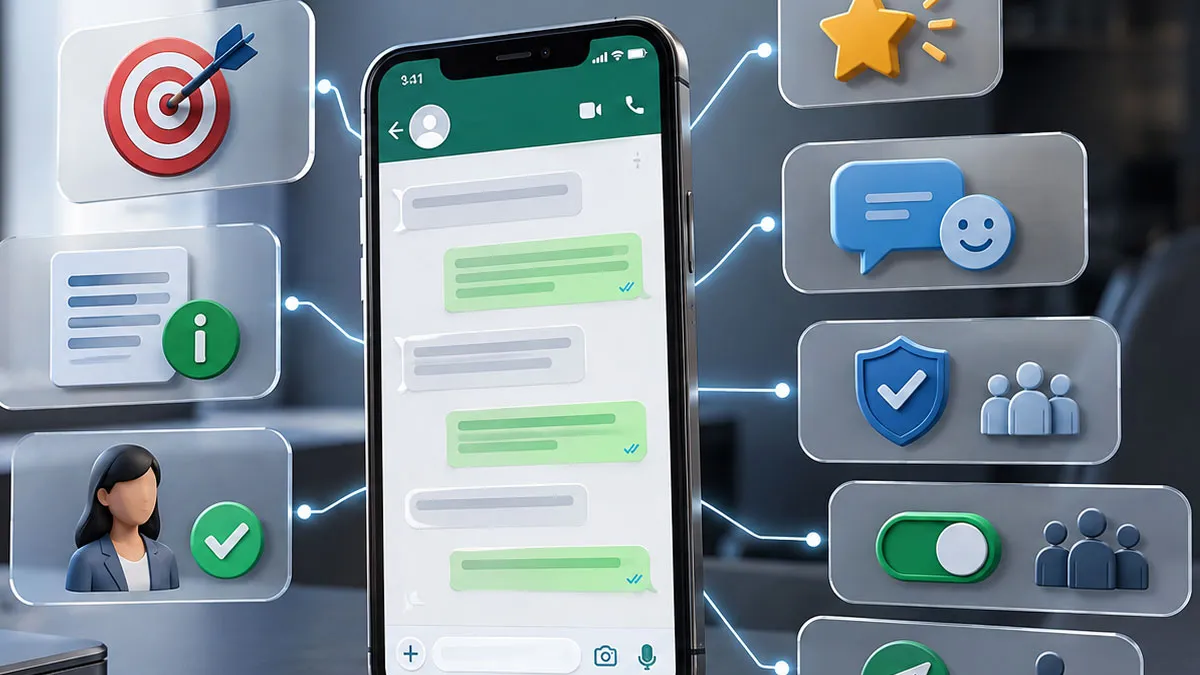
Effective business conversations on WhatsApp depend on more than simply choosing polite words. Customers need to understand the purpose of a message quickly, recognize what is relevant to them, and know what to do next. The easiest way to improve this process is to combine clear writing principles with practical examples. The templates below show how a vague or overly promotional message can be transformed into a more useful customer conversation.
1. Start With A Clear Purpose
Every business message should have one primary reason for being sent. Before writing, decide whether the message is intended to provide an update, answer a question, confirm an action, request information, or present a relevant offer.
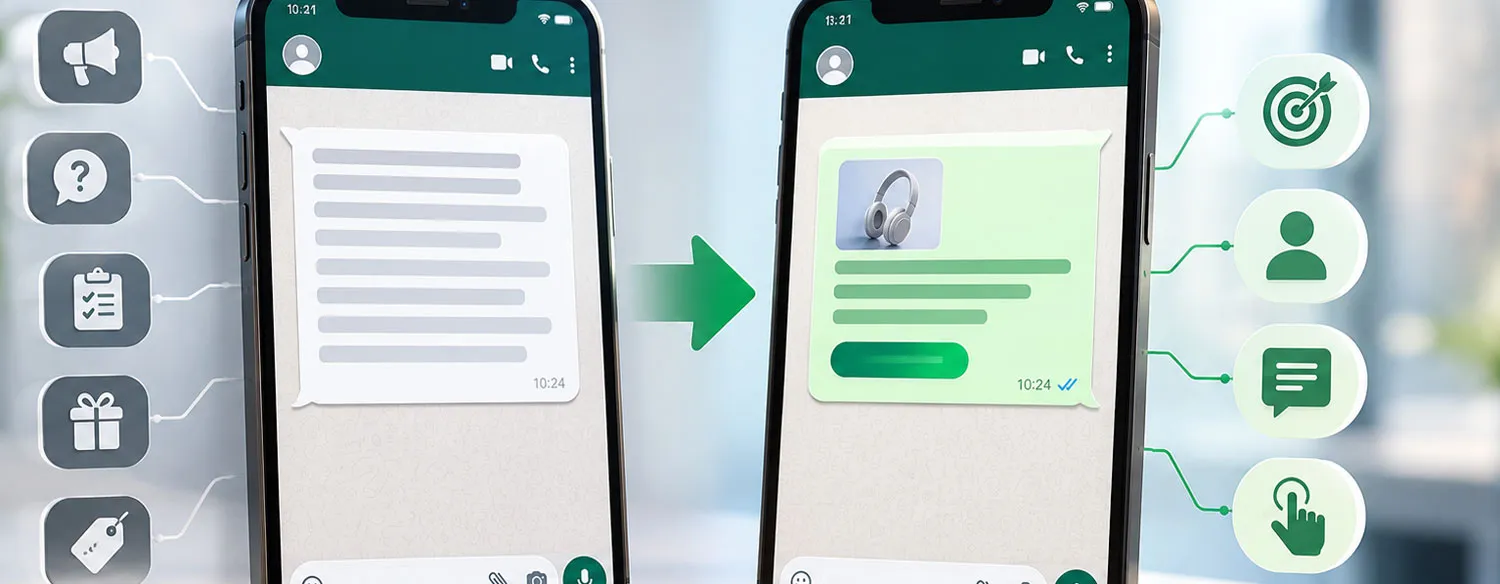
From A Vague Message To A Clear Message
Less effective:
“Hi! We have some exciting news and many great things available for our customers. Please let us know if you are interested.”
The recipient has no clear idea what the news is, why it matters, or what information they should request.
Improved:
“Hi Sarah, your requested product is now available. If you would like to place an order, reply to this message and we’ll help you with the next step.”
The revised version gives the customer a reason for the message and a simple action without unnecessary promotional language.
2. Write For The Customer, Not The Business
Customers generally care about what a message means for them rather than how the business describes itself. Focus on the customer’s situation, benefit, or question instead of filling the message with company-centered statements.
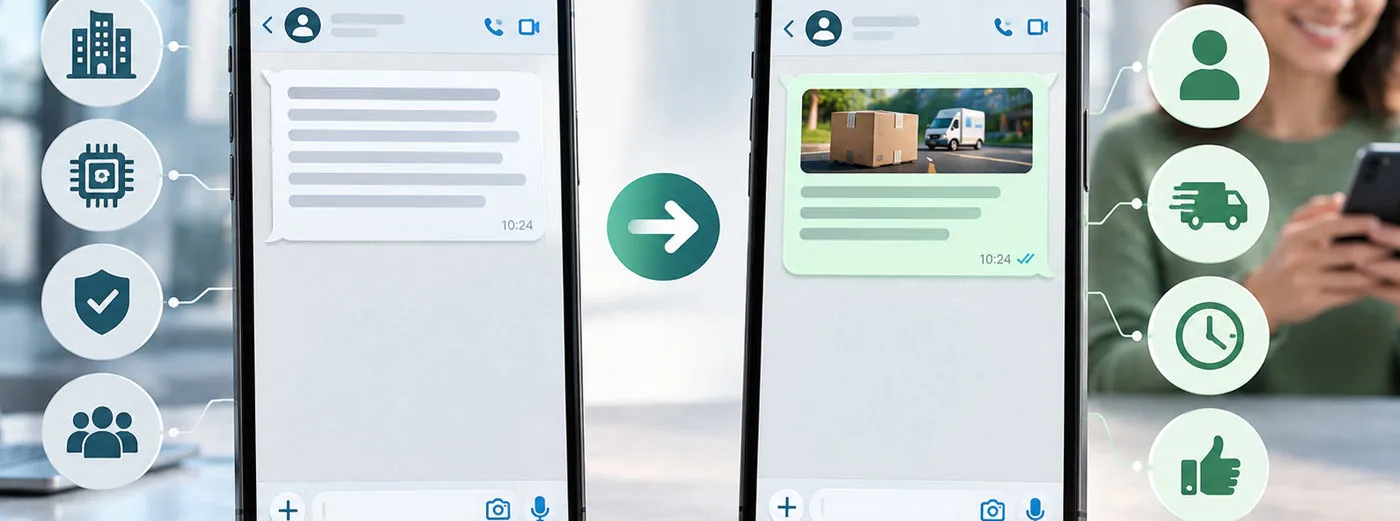
Practical Before-And-After Example
Less effective:
“We are pleased to announce that our company has introduced a new service designed using our latest technology and extensive industry experience.”
Improved:
“You can now use our new delivery option to receive your order at a time that suits you. Reply if you would like to check whether it is available for your order.”
The second version explains the customer’s practical benefit first. It avoids making the recipient interpret why the announcement matters.
3. Keep The Message Concise
Concise writing is particularly useful in messaging conversations. The goal is not to remove important information, but to remove information that does not help the recipient understand or respond.
A simple structure is:
- Give the recipient a relevant opening.
- State the main information.
- Add only the necessary details.
- Explain the next step.
A Simple Service Update Template
Less effective:
“Hello, we wanted to contact you today regarding your recent request. There has been an update from our team and we would like to inform you that things are progressing and we will continue to keep you updated as soon as we have further information.”
Improved:
“Hi Alex, there’s an update on your request: our team is still processing it. No action is needed from you right now. We’ll contact you when the next update is available.”
The second version communicates the same basic situation with considerably less effort for the reader.
4. Make The Next Step Obvious
A customer should not have to guess whether a response is required. If you need information, identify exactly what information is needed. If no action is required, say so.
Customer Request Template
Less effective:
“Please get back to us as soon as possible regarding your order.”
Improved:
“Hi Maya, we need one detail to complete your order: please reply with your preferred delivery date. Once we have it, we can continue processing the order.”
The improved message replaces an ambiguous request with a specific action and explains why the information is needed.
5. Personalize Without Becoming Intrusive
Personalization is most useful when it makes the conversation more relevant. A customer’s name, order information, or previous request can provide useful context when it is directly connected to the conversation.
Order-Related Example
Generic:
“Your order has an update. Please contact us for more information.”
More useful:
“Hi Daniel, there’s an update on your order. One item is currently unavailable, so we’d like to help you choose whether to wait for it or continue with the available items.”
Personalization should support the customer’s needs rather than demonstrate how much information the business has about them. Avoid adding personal details that are unrelated to the conversation.
6. Use A Natural And Professional Tone
Professional communication does not have to sound formal or robotic. WhatsApp is conversational, so a business can be friendly while remaining precise and respectful.
Replacing Pressure With Clarity
Less effective:
“URGENT!!! You MUST act NOW before it is TOO LATE!!! Don’t miss this INCREDIBLE opportunity!!!”
Improved:
“Our current offer is available for a limited period. If you’re interested, reply to this message and we’ll provide the relevant details.”
The second version communicates urgency only where it is genuinely relevant. It avoids excessive capitalization, repeated punctuation, and aggressive language.
7. Respect Consent And Customer
Good business messaging starts before the message is written. Businesses should contact people through appropriate communication channels and respect applicable consent requirements and customer requests about future communications.
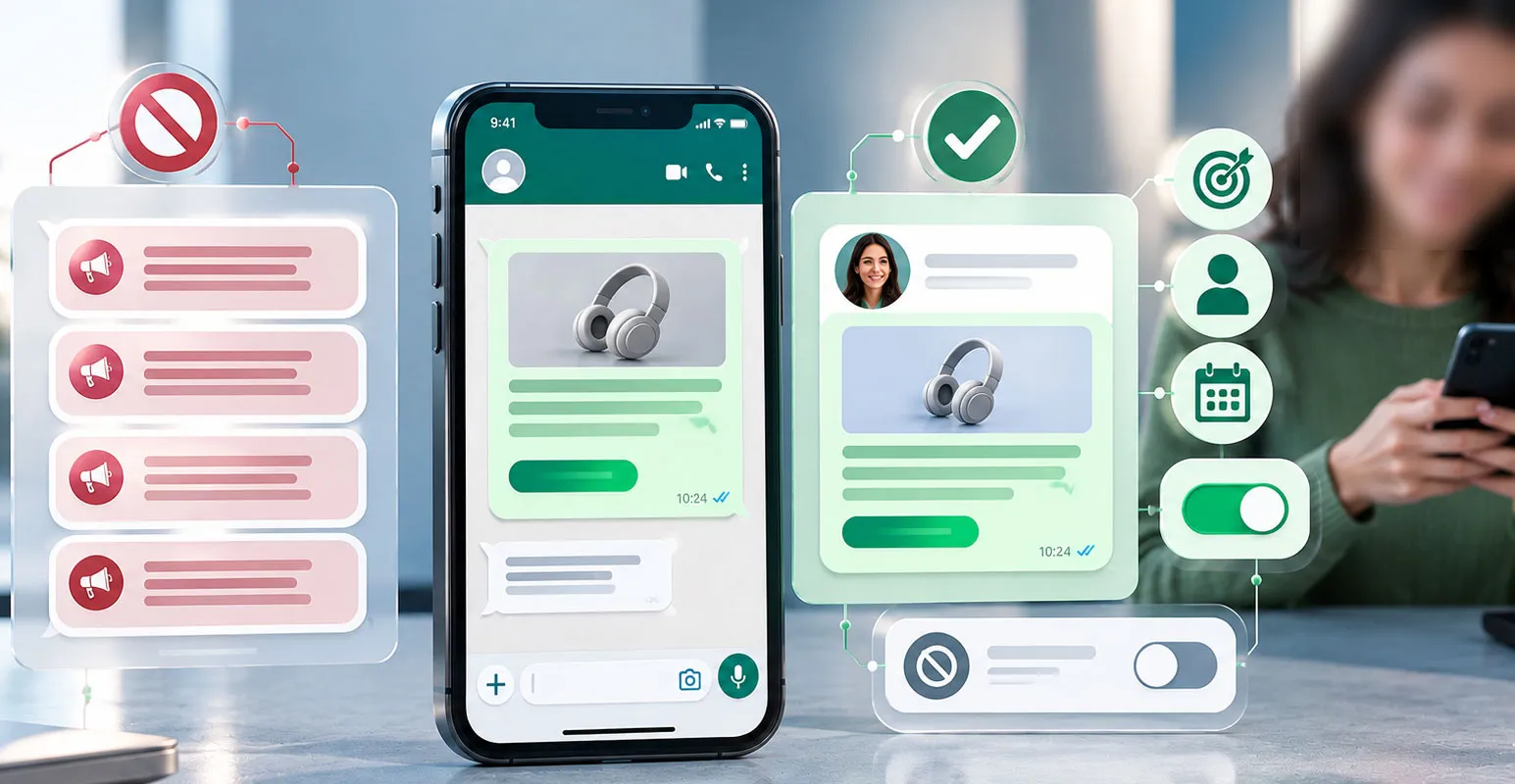
This principle is especially important for promotional messages. A useful message sent to an appropriate audience is fundamentally different from repeatedly sending unwanted communications.
A Respectful Promotional Template
Less effective:
“We have another amazing promotion for you! Buy now! We’ll keep sending you our latest deals so you never miss anything!”
Improved:
“Hi Emma, we’re sharing a new offer that may be relevant to your previous purchase. Here are the details. If you no longer want promotional messages from us, please use the available opt-out option or let us know according to our communication process.”
The important principle is not simply the wording of the message. Businesses should have a responsible process for managing customer communication and should not treat every contact as permission for unlimited promotional outreach.
8. Avoid Misleading Or Overly Aggressive Language
A business message should accurately describe the product, service, offer, or situation it refers to. Avoid claims that exaggerate benefits or create a false impression of urgency.
Turning A Sales Claim Into A Clear Statement
Less effective:
“This is the best product you will ever find, and everyone is buying it right now!”
Improved:
“This product is designed for customers who need a compact option for everyday use. You can review its features and specifications before deciding whether it suits your needs.”
The improved version describes the product without presenting unsupported claims as facts. Customers can then make a decision based on relevant information.
9. Review The Message Before Sending
A final review can prevent confusing wording, missing information, and unnecessary pressure. Read the message from the customer’s perspective rather than checking only for spelling mistakes.
Quick Pre-Send Checklist
- Purpose: Is the reason for the message immediately clear?
- Relevance: Does every detail help the customer?
- Accuracy: Are the claims and instructions correct?
- Action: Does the customer know what to do next?
- Tone: Does the message sound natural and respectful?
- : Is the communication appropriate for the recipient?
- Clarity: Can the message be understood without additional explanation?
Ready-To-Use WhatsApp Business Message Templates
Templates are most useful when they provide a structure rather than a script that must be copied word for word. Replace the bracketed information with details that are genuinely relevant to the customer.
Customer Follow-Up
“Hi [Name], we’re following up on your recent request about [topic]. If you still need assistance, reply here and let us know what you need help with.”
Order Update
“Hi [Name], there’s an update on your order: [brief update]. [Action required or ‘No action is needed from you right now.’]”
Appointment Confirmation
“Hi [Name], this is a confirmation of your appointment with [business] on [date] at [time]. Please reply if you need to make an appropriate change.”
Customer Support Response
“Hi [Name], thanks for contacting us. Regarding [issue], [clear answer or action]. If the issue continues, reply with [specific information] so we can assist further.”
Relevant Promotional Message
“Hi [Name], we’re sharing [offer or product] because it may be relevant to your previous interest in [category]. The key details are [details]. Reply if you’d like more information.”
How To Turn Any Draft Into A Better Message
A practical editing method is to take the original draft and remove anything that does not help the customer understand the situation or take the appropriate next step.
| Check | Question To Ask | Possible Improvement |
|---|---|---|
| Opening | Why is the customer receiving this? | State the purpose earlier. |
| Details | Does every sentence matter? | Remove unnecessary background. |
| Language | Does anything sound exaggerated or unclear? | Use precise, factual wording. |
| Action | Does the customer know what to do? | Add one specific next step. |
| Customer experience | Would this message feel useful if I received it? | Make the more relevant and respectful. |
A Simple Formula For Better WhatsApp Messages
When a message needs to be written quickly, a simple formula can provide a reliable starting point:
Context + Important Information + Customer Benefit or Reason + Clear Action
For example:
“Hi Jordan, we’ve received your request for [service]. We now have the information needed to continue, so please reply with [specific detail] and we’ll take the next step.”
This structure keeps the conversation focused while leaving room for personalization and context.
Final Quick Checklist
Before sending a business message, ask these questions:
- Is the purpose clear?
- Is the message short enough to read comfortably?
- Is the information relevant to this customer?
- Are the claims accurate and easy to understand?
- Is the next action obvious?
- Does the tone sound human and professional?
- Does the communication respect customer ?
The most effective WhatsApp business messages are not necessarily the most elaborate. They make the customer’s situation easier to understand, reduce unnecessary effort, and communicate the next step without confusion. Clear purpose, useful context, honest wording, and a simple action provide a practical foundation for almost any business conversation.