
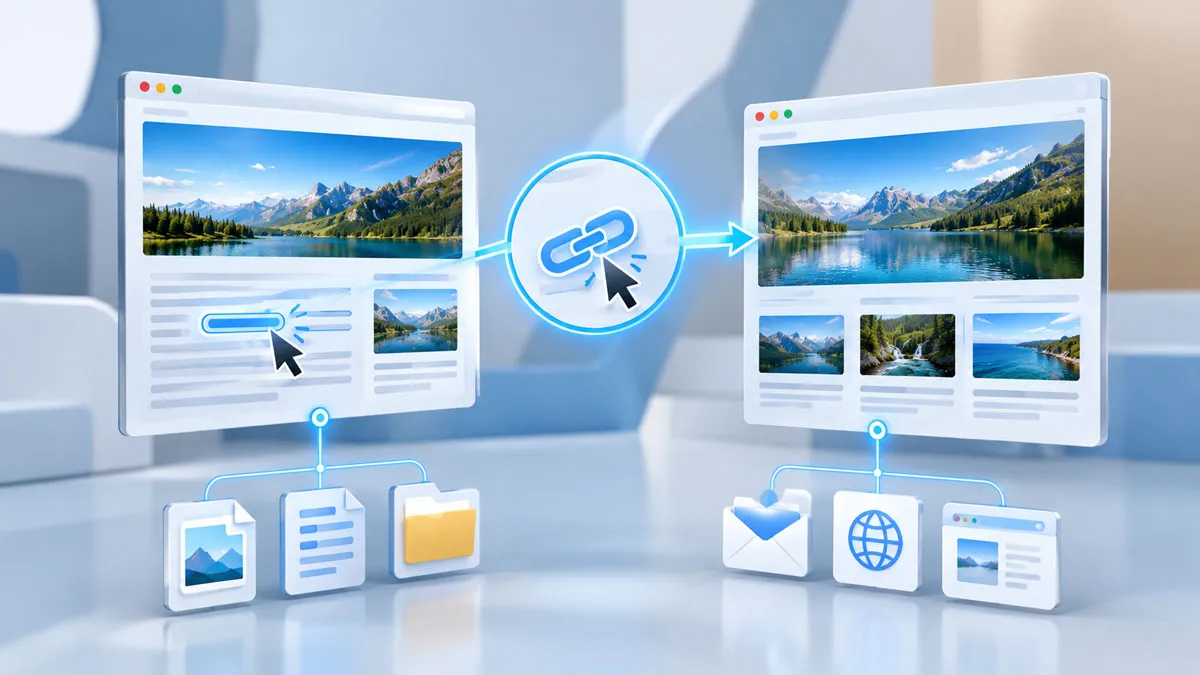
A hyperlink is a clickable connection that takes a user from one resource to another. On the web, hyperlinks connect pages, files, sections of documents, email addresses, and other destinations. They form one of the basic building blocks of web navigation.
When you select a hyperlink, your browser follows its destination and displays the associated resource. A link may lead to another page on the same website, a different website, a specific section of the current page, or another type of resource.
How Does A Hyperlink Work?
A hyperlink connects visible with a destination. On a webpage, the destination is commonly defined by the HTML anchor element and its link address.
From a user’s perspective, the process is simple. You see linked text or another clickable element, select it, and the browser navigates to the specified destination.
| Part | Purpose |
|---|---|
| Link text | Describes or identifies the destination for the user. |
| Destination | Identifies the webpage, file, section, or other resource that the link opens. |
| Hyperlink | Connects the current with its destination. |
What Can A Hyperlink Point To?
Hyperlinks can connect users to many types of destinations. Common examples include:
- Another page on the same website
- A page on a different website
- A specific section of a webpage
- A document or other file
- An email address
- Another web resource identified by a web address
This flexibility makes hyperlinks useful for both navigation and connecting related information.
Types Of Hyperlinks
Internal Links
An internal link connects pages or sections within the same website. Website menus often use internal links to connect the homepage with categories, articles, contact pages, and other sections.
An internal link can also take a visitor directly to a particular section of a long webpage. This type of navigation saves time when a page contains a large amount of information.
External Links
An external link takes users to a resource on another website. For example, an educational webpage may link to an official government agency, university, or scientific organization for additional information.
External links create connections between different websites and make related resources easier to access.
Links To Files
A hyperlink can also point to a file rather than another webpage. Depending on the file type and browser settings, selecting the link may open the file in the browser or download it.
Why Are Hyperlinks Important?
Hyperlinks create connections between individual webpages and resources. They give users a direct way to move between related information instead of requiring them to locate each destination separately.
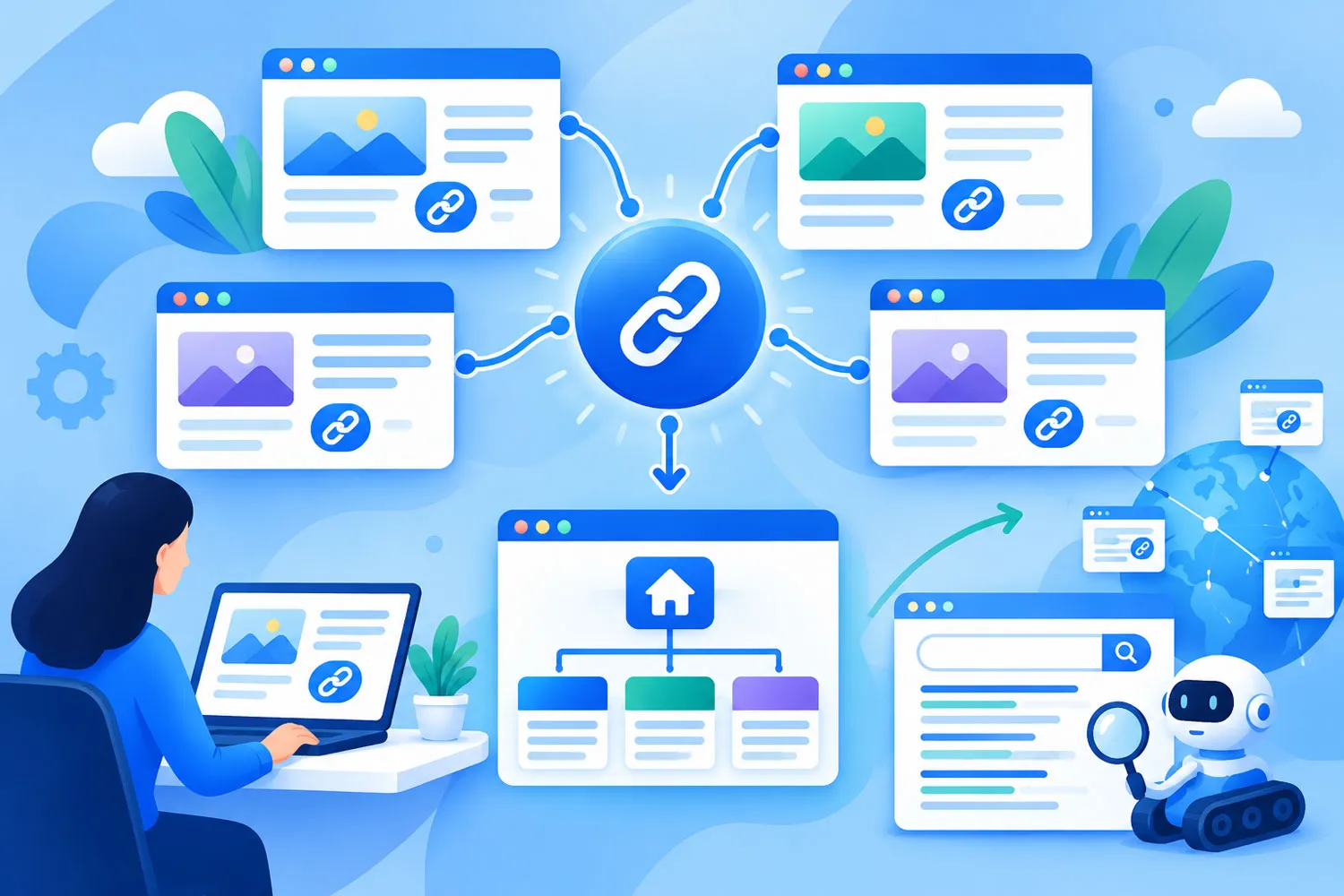
They also form the foundation of website navigation. A well-organized website uses links to connect related pages and create a logical path through its .
Search engines also use links when discovering webpages and understanding relationships between different pages. Relevant links can therefore form an important part of how information is organized across the web.
What Makes A Good Hyperlink?
A good hyperlink clearly communicates where it leads. The link text should give users enough information to understand the destination before they select it.
For example, descriptive text such as Read the HTML documentation gives more information than a vague phrase such as Click here.
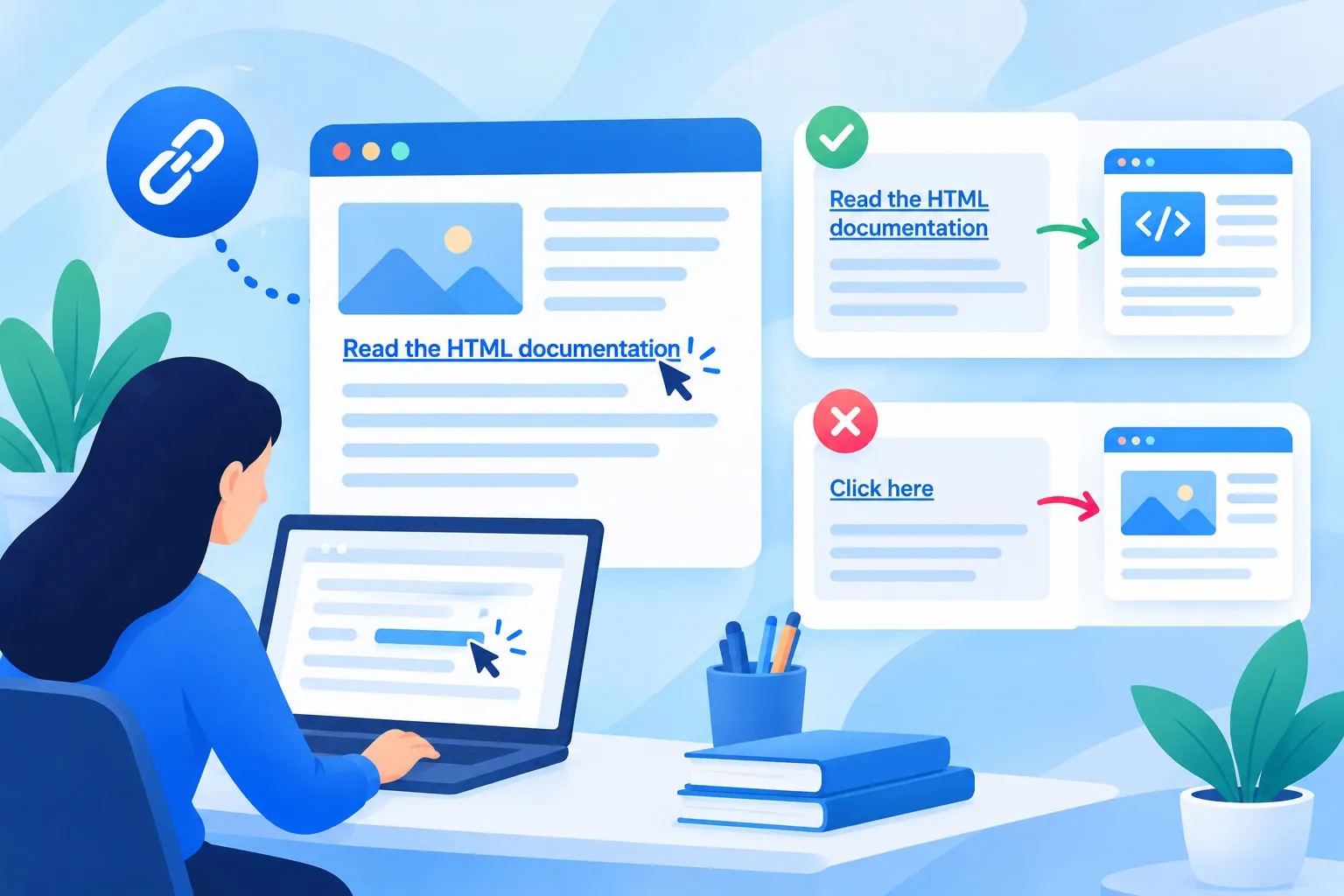
Links should also match the surrounding . A user should reach the resource that the link text and context suggest.
Hyperlinks And Web Pages
Hyperlinks are closely connected with the structure of the web. A webpage can contain many links that lead to different destinations, while another page can link back to it.
This interconnected structure is one of the defining characteristics of the World Wide Web. Instead of treating documents as isolated resources, hyperlinks connect them into a network that users can navigate.
Hyperlink And URL: What Is The Difference?
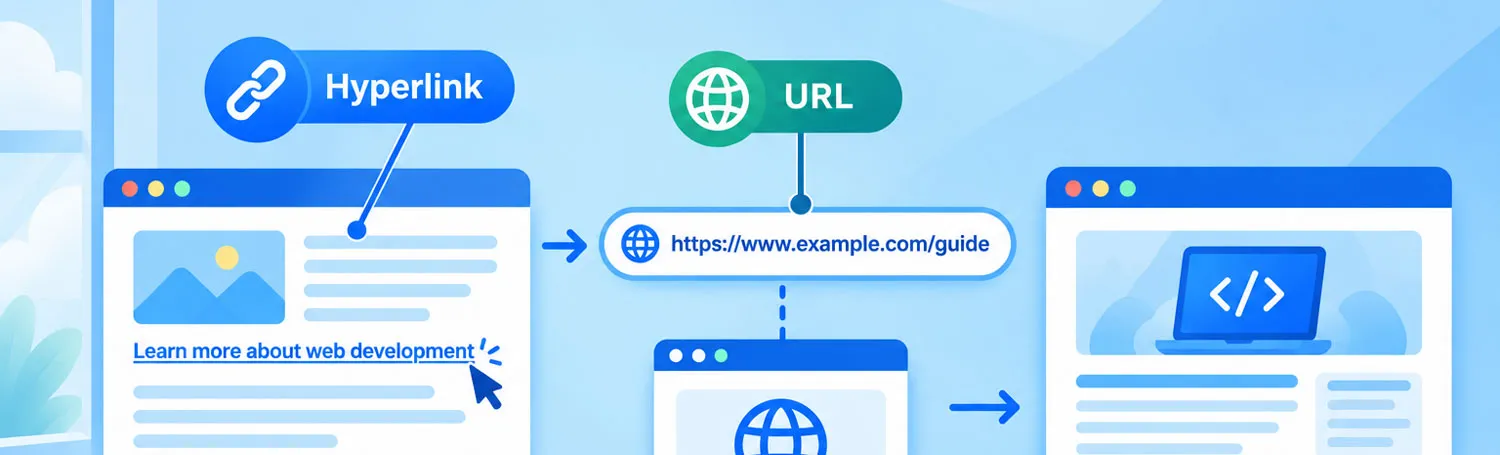
A URL identifies the location of a resource, while a hyperlink provides a way for users to follow a connection to that location.
For example, a webpage may contain a visible phrase that acts as a hyperlink. The underlying destination is represented by a URL. The user interacts with the hyperlink, while the browser uses the destination to retrieve or display the requested resource.
Frequently Asked Questions
Is A Hyperlink The Same As A Link?
In everyday web terminology, the two terms are often used interchangeably. A hyperlink specifically describes a connection that users can follow to another resource or location.
Can A Hyperlink Point To The Same Page?
Yes. A hyperlink can take a user to a particular section of the page they are already viewing. This is especially useful for long articles and documents.
Can A Hyperlink Open A File?
Yes. A hyperlink can point to a file. Depending on the file type and browser behavior, the file may open in the browser or be downloaded.
What Is The Main Purpose Of A Hyperlink?
The main purpose of a hyperlink is to connect users with another resource or location. It makes navigation between related information quick and direct.
Conclusion
A hyperlink is a clickable connection between one resource and another. It can lead to another webpage, a different website, a section of the current page, a file, or another supported destination.
Although hyperlinks are simple to use, they play a fundamental role in web navigation. They connect information, organize websites, and give users a direct path between related resources.