

Every time a device communicates across a network, it needs an address that other networked systems can use to identify where data should go. That address is known as an Internet Protocol (IP) address. Computers, smartphones, servers, routers, and many other network interfaces use IP addresses to exchange data.
IP addresses work behind the scenes whenever you visit a website, send a message, stream a video, or access a service over the Internet. Understanding how they work also makes it easier to understand related concepts such as DNS, public and private networks, IPv4, and IPv6.
How An IP Address Works
An IP address identifies a network interface and gives network traffic an address for delivery. When one system sends an IP packet to another, the packet contains source and destination IP addresses. Network devices use this information to route the packet toward its destination.
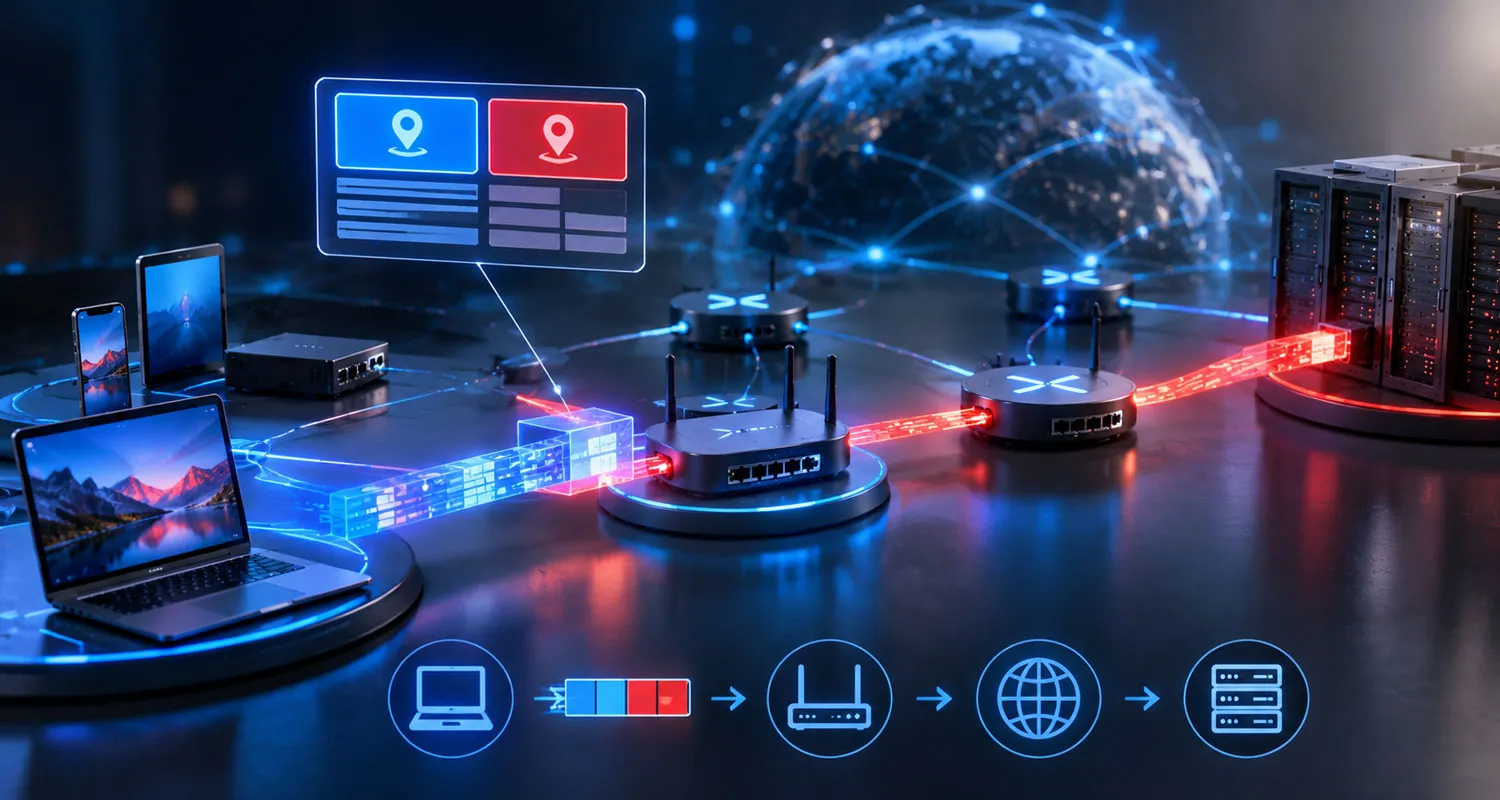
The Internet Protocol deals mainly with addressing and routing. Other protocols can handle tasks such as reliable delivery, error checking, and arranging data in the correct order.
An IP address is therefore different from a person’s identity. It identifies a network endpoint or interface for communication. A single person can use several IP addresses, and many devices can appear on the Internet through the same public IP address.
IPv4 And IPv6
Two major versions of the Internet Protocol are in use: IPv4 and IPv6. They use different address formats and address sizes.
| Feature | IPv4 | IPv6 |
|---|---|---|
| Address size | 32 bits | 128 bits |
| Typical format | Four decimal numbers separated by periods | Groups of hexadecimal numbers separated by colons |
| Example | 192.0.2.1 | 2001:db8::1 |
IPv4 Addresses
IPv4 uses 32-bit addresses. They are normally written as four decimal numbers separated by periods, such as 192.0.2.1. Each number represents eight bits of the address.
The 32-bit design provides about 4.3 billion possible address values. The rapid growth of Internet-connected devices created strong demand for a much larger address space, which led to IPv6.
IPv6 Addresses
IPv6 uses 128-bit addresses. A typical IPv6 address contains hexadecimal groups separated by colons. For example, 2001:db8::1 is an IPv6 address written in compressed form.
The much larger address space is the main difference between IPv4 and IPv6. IPv6 also introduces changes to the protocol structure and address configuration that support large and diverse networks.
Public And Private IP Addresses
IP addresses can serve different purposes depending on where they are used. A public IP address is used for communication across the global Internet. A private IP address is used within a private network, such as a home, school, or business network.
Private IPv4 addresses are not directly routable across the public Internet. Common private IPv4 ranges include 10.0.0.0/8, 172.16.0.0/12, and 192.168.0.0/16.
A home network may assign private addresses to several devices while the router uses a public address for Internet communication. Network Address Translation, commonly called NAT, can translate between private and public IPv4 addresses.
- Public IP: Used for communication across the public Internet.
- Private IP: Used within a private network.
- Router: Connects networks and can perform address translation.
How DNS Relates To IP Addresses
People usually prefer names such as a website’s domain name rather than a sequence of numbers or hexadecimal characters. The Domain Name System (DNS) connects domain names with IP addresses.
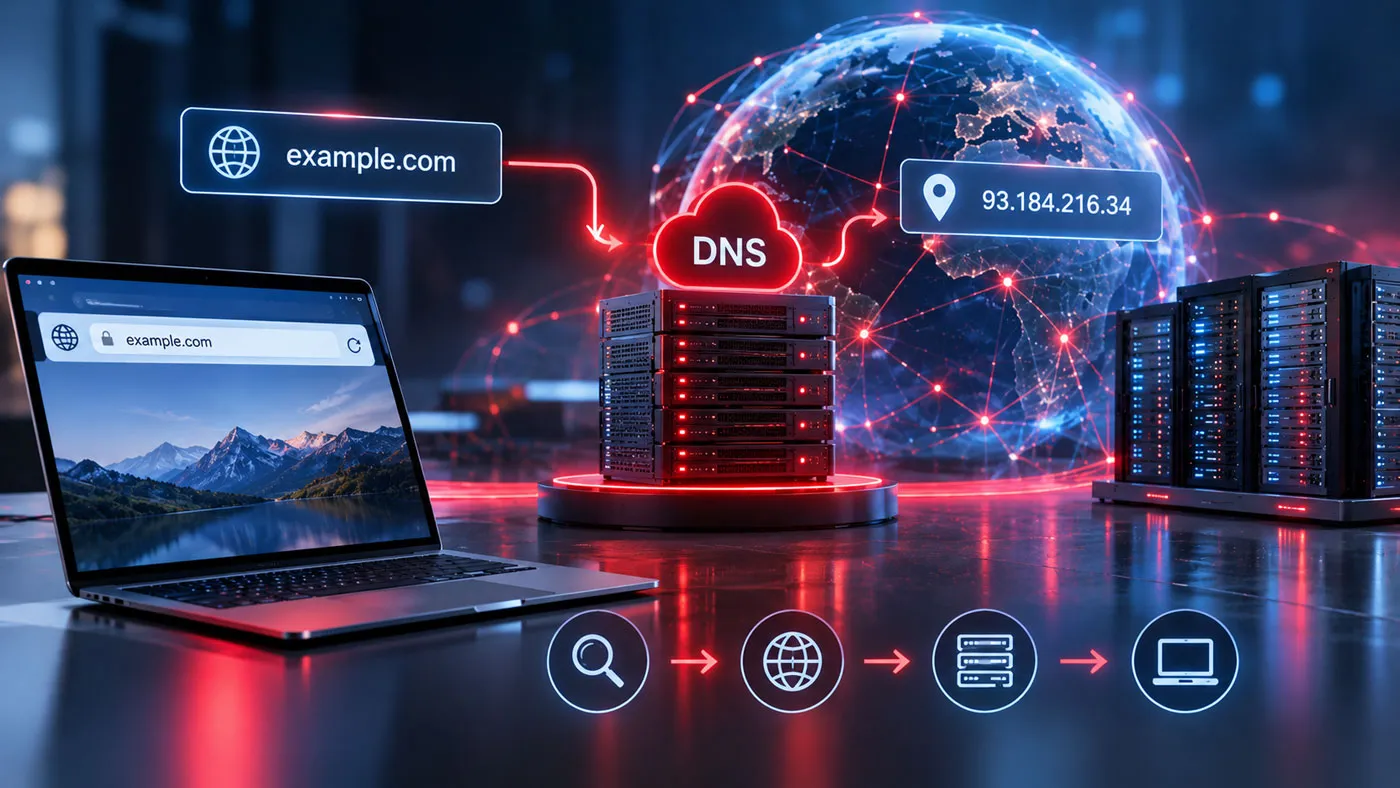
When you enter a domain name into a browser, a DNS lookup can find the IP address associated with that name. The browser can then use the resulting address to communicate with the appropriate server or network service.
DNS does not replace IP addressing. Instead, it provides a human-friendly naming system that works with IP addresses.
Static And Dynamic IP Addresses
An IP address can be assigned in different ways. A static IP address remains assigned to a network interface until an administrator or service changes the configuration. A dynamic IP address is assigned through a system that can give a device a different address later.
Dynamic addressing is common in consumer and organizational networks because administrators do not need to configure a permanent address for every device. Static addressing can be useful when a system needs a predictable network address.
The terms static and dynamic describe how an address is assigned and maintained. They do not describe whether an address is public or private.
What An IP Address Can Reveal
An IP address can provide information about a network connection, but it does not automatically reveal a person’s exact physical location or identity.
Internet service providers and network operators maintain records that can associate network activity with particular customers or connections. However, the information available to an ordinary website is more limited. An IP address can often indicate the network or general geographic area associated with a connection, but its accuracy varies.
Several users or devices can also share one public IPv4 address through NAT. Conversely, one device can use different addresses at different times or on different networks. For these reasons, an IP address should not be treated as a permanent personal identifier.
Why IP Addresses Matter
IP addressing forms a basic part of modern computer networking. Without addressing, network devices would not have the information required to direct IP packets toward their intended destinations.
IP addresses support many everyday activities, including:
- Loading websites and online applications.
- Sending and receiving data across networks.
- Connecting devices to network services.
- Routing traffic between different networks.
- Identifying network endpoints for communication.
IPv4 remains an important part of networking, while IPv6 provides a much larger address space for the continued growth of Internet-connected systems.
IP Address And MAC Address: What Is The Difference?
An IP address and a MAC address serve different roles. An IP address operates at the Internet Protocol layer and supports communication between networks. A MAC address is associated with a network interface at the link layer and is used for communication on a local network segment.
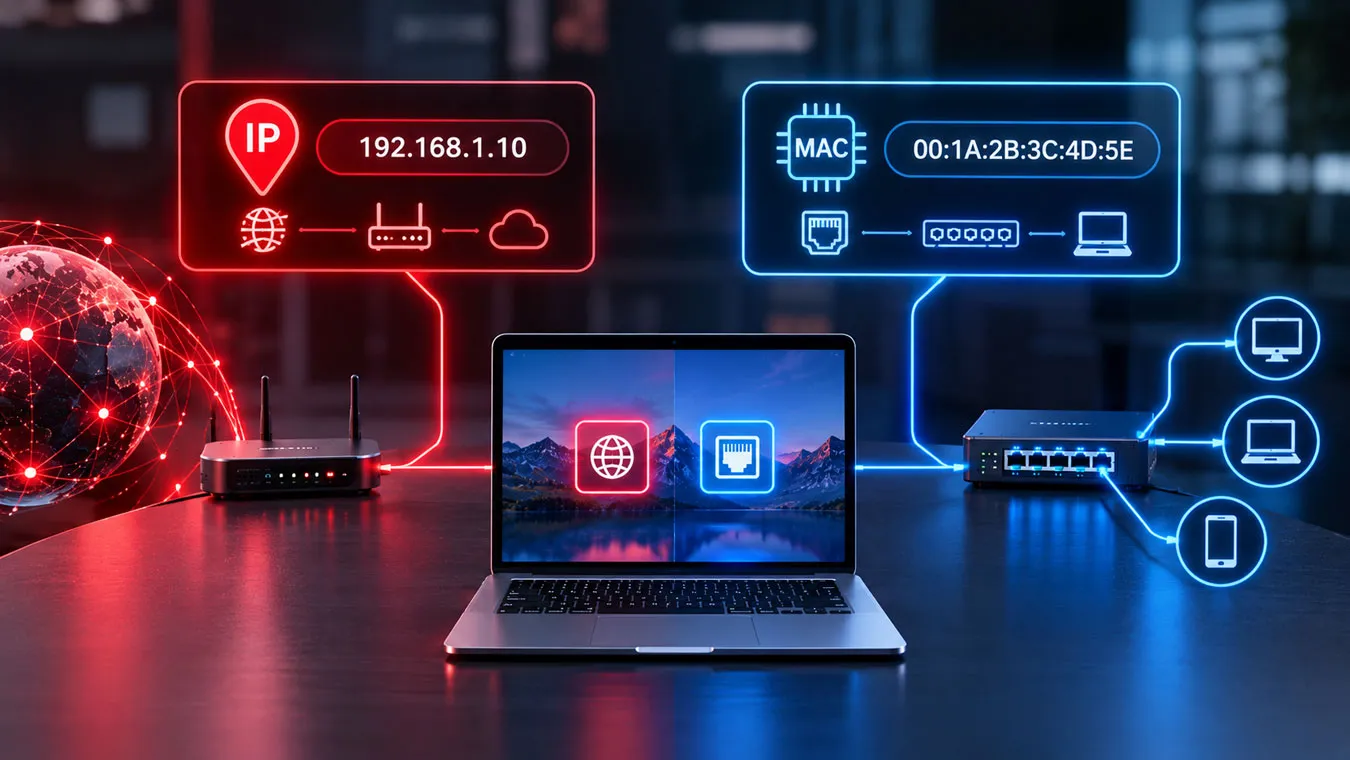
A device can therefore have both an IP address and a MAC address. The two addresses are not interchangeable, and they serve different purposes within network communication.
Key Facts To Remember
An IP address is a network address used to identify an interface or endpoint for IP communication. IPv4 uses 32-bit addresses, while IPv6 uses 128-bit addresses. Public addresses support communication across the Internet, while private addresses operate within private networks.
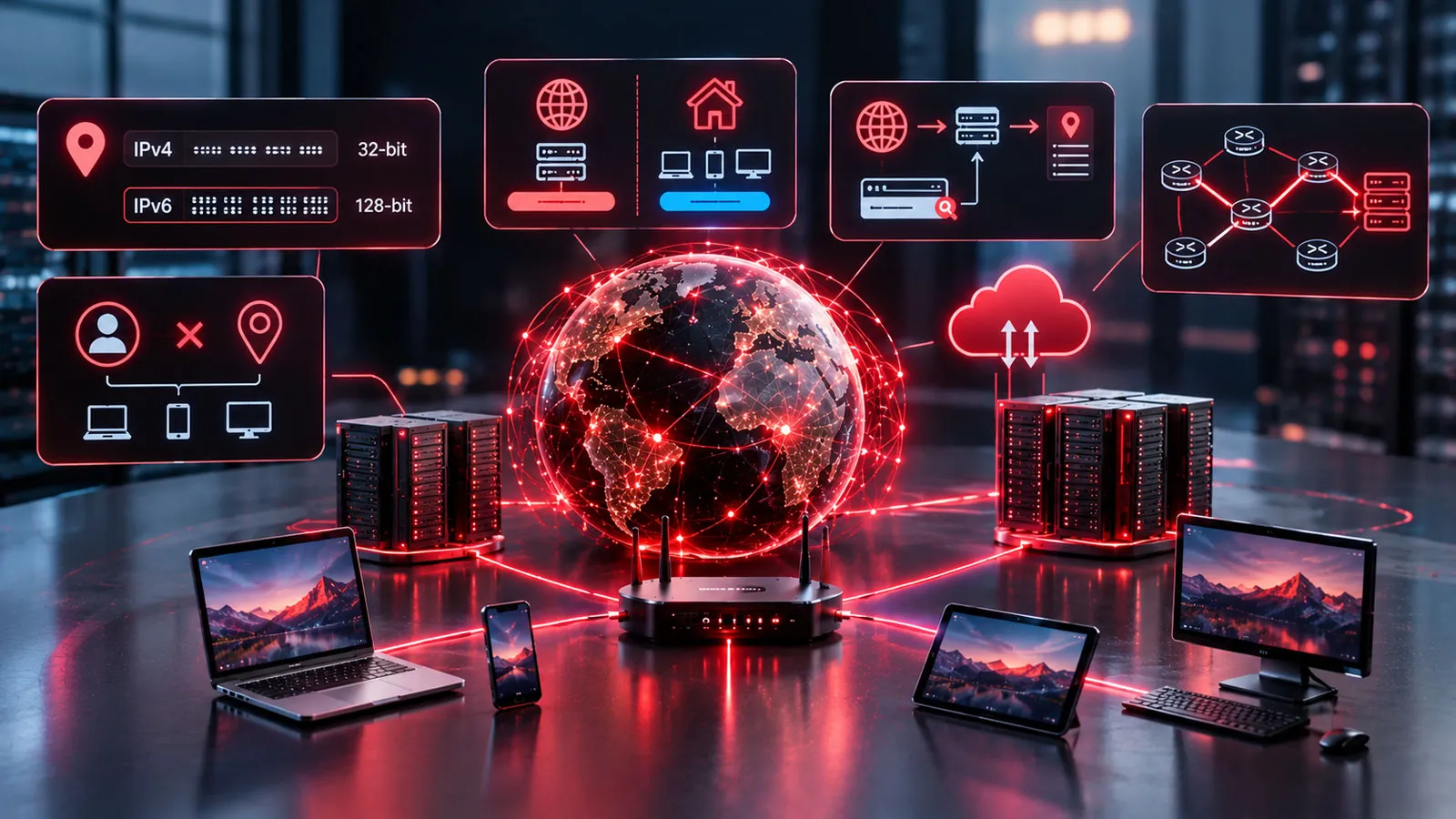
DNS connects human-readable domain names with IP addresses, while routing uses IP addressing to move packets toward their destinations. An IP address can identify a network connection, but it does not by itself prove the identity or exact location of a person.